Best Invoicing Software for Freelancers in 2026 (Tested & Compared)
You finish the project. You send a quick “invoice coming soon” message to the client. And then, somehow, three weeks just disappear. If that’s a familiar pattern, here’s the truth — late payments usually aren’t about difficult clients. They’re about invoicing that’s slow, messy, or just easy to put off.
85% of freelancers deal with late payments at some point, and a clunky invoicing setup is often the quiet culprit behind it. The fix isn’t getting better at chasing people down. It’s choosing software that makes getting paid the part you don’t have to think about.
Here’s a look at the best invoicing software for freelancers right now — free options included, for anyone not ready to spend money yet.
What Actually Matters Here
Forget the flashy templates for a second. What actually moves the needle:
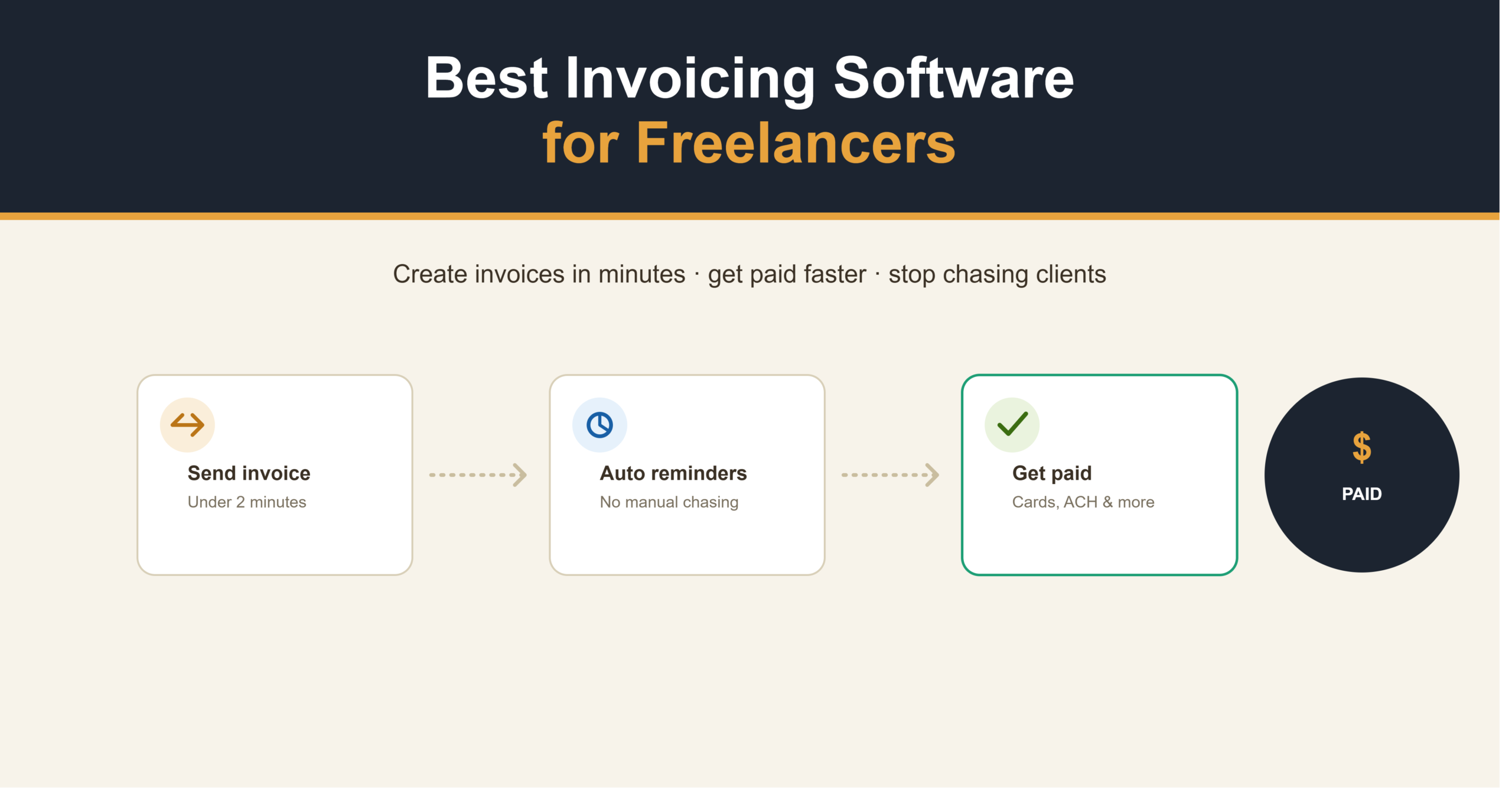
- Speed. Can you create and send an invoice in under two minutes, or does it feel like doing taxes every single time?
- Payment options. Cards, ACH, digital wallets — more choices generally means faster payment.
- Automated reminders. Because manually chasing clients is exhausting, and a little awkward too.
- Fee transparency. A “free” tool charging 2.9% plus 60 cents per card transaction can end up costing more than a paid plan once real volume runs through it.
That last one catches people off guard constantly. Do the math before assuming free actually means cheapest — it doesn’t always.
Best Invoicing Software for Freelancers
| Software | Best for | Free plan | Starting price |
|---|---|---|---|
| Wave | Completely free invoicing | Yes | Free (payment fees apply) |
| FreshBooks | All-in-one polish | No | ~$19–23/month |
| Zoho Invoice | Free and simple | Yes | Free |
| Invoice Ninja | Budget and data control | Yes | $14/month (Pro) |
| Plutio | Invoicing tied to tracked time | No | $19/month |
| PayPal | Bare-bones, instant setup | Yes | Free (transaction fees apply) |
Wave
Wave is genuinely free, no asterisk hiding somewhere in the fine print. It offers unlimited invoicing along with fairly advanced accounting tools like payroll, plus full accounting features built right in — expense tracking, income reports, bank connections, the whole thing.
The company makes its money on payment processing instead of charging subscriptions, so there’s no monthly bill just sitting there for sending invoices. For freelancers sending a handful of invoices a month, honestly, this might cover everything you need.
Best for anyone who wants real invoicing software minus the recurring cost.
FreshBooks
FreshBooks has been a freelancer favorite for years, and it’s earned that reputation fairly. It bundles invoicing with time tracking, expenses, and basic accounting into one dashboard that actually feels designed, not like a spreadsheet wearing a disguise.
The downside? Pricing climbs based on how many clients you’re billing. The cheapest tier caps you at five billable clients, so growing your client list usually means upgrading sooner than planned.
Best for freelancers who want everything connected and don’t mind paying for that polish.
Zoho Invoice
Zoho Invoice is free, cloud-based, and built specifically with freelancers and consultants in mind. It stays tightly focused — invoicing, expense tracking, accepting online payments — without piling on features you’ll probably never open.
If Wave feels like too much accounting and not quite enough pure invoicing for your taste, Zoho leans narrower and simpler.
Best for freelancers who want free and focused, without a full accounting suite tagging along.
Invoice Ninja
This one works a bit differently. Invoice Ninja is the value and data-ownership pick, with a self-hosted, open-source option — meaning if you’re comfortable with a bit of technical setup, you can host your own billing data instead of handing it to someone else’s servers.
The free tier covers five clients with unlimited invoices, which is plenty when you’re just starting out.
Best for developers, or freelancers technically confident enough to want full control over their billing data.
Plutio
Plutio connects invoicing directly to tracked time, projects, and client records. Wrap up a project, and you click once to generate an invoice with line items pulled straight from the time you actually logged.
No more reconstructing last week’s hours from memory at 11pm because invoicing slipped your mind. It costs more than the standalone tools on this list, but it closes the gap between tracking time and actually billing for it.
Best for freelancers who bill hourly and are tired of the disconnect between logging hours and charging for them.
PayPal
A lot of freelancers land here simply because they already have an account sitting there. PayPal includes a free invoicing function with every business account, no limit on invoices or number of clients.
It won’t impress anyone with branding or fancy automation, but it works, it’s instant, and there’s a decent chance you don’t even need to sign up for anything new.
Best for freelancers who need to send their first invoice in the next ten minutes, not after a week of research.
Free vs. Paid — What’s the Real Difference
Here’s the part that catches people off guard. A free invoicing tool charging card processing fees can quietly end up costing more than a $19 a month plan, depending on how much you’re actually billing.
Quick example: collecting $4,000 a month, mostly through card payments, at roughly 2.9% plus 60 cents per transaction, can run upward of $100 a month in fees alone on a supposedly “free” platform. That math shifts the whole calculation once your client volume starts growing.
So before you assume free is automatically cheapest:
- Add up your actual monthly invoice volume
- Check the real processing fee percentage, not just the advertised “free” label
- Compare that running total against a paid plan’s flat monthly cost
Sometimes free really is free. Other times, it’s just the pricier option wearing a different label.
How to Pick the Right One for You
A few honest questions worth sitting with:
How many invoices do you send monthly? Two to five, a free plan like Wave or Zoho covers you fine. Twenty-plus retainer clients, you’ll likely want the automation that paid plans tend to offer.
Do you bill by the hour? Plutio specifically is worth a look — invoicing tied to logged time saves real hours that would otherwise go into manual reconstruction.
Do clients mostly pay by card or bank transfer? Card-heavy billing makes fee structure matter a lot more. Bank transfer-heavy billing, less so.
Frequently Asked Questions
What’s the best free invoicing software for freelancers?
Wave and Zoho Invoice are both genuinely free, no hidden subscription waiting in the wings. Wave throws in more built-in accounting; Zoho stays narrowly focused on invoicing itself.
Is invoicing software different from accounting software?
Yes. Invoicing software focuses on creating, sending, and tracking individual invoices. Accounting software handles the bigger financial picture afterward — reports, taxes, bookkeeping.
How much does invoicing software typically cost?
Anywhere from completely free, like Wave, Zoho, or PayPal, up to around $19–55 a month for fuller platforms like FreshBooks or Plutio, depending on client volume and features.
Can I just use PayPal instead of dedicated invoicing software?
Sure, and plenty of freelancers do exactly that when starting out. It works fine for occasional invoicing but lacks automation, branding, and recurring billing once your workload picks up.
Why do clients pay late even with decent invoicing software?
Late payments often come down to unclear terms or missing reminder automation rather than the client simply being difficult. Software with built-in reminders tends to cut this down noticeably.
Choosing What Works for You
There’s no universal right answer here — it really depends on how many clients you’re billing, whether you need time tracking baked in, and how much the fee math actually affects your bottom line. Start with something free like Wave if you’re just getting going, and move to a paid tool once the manual side of things starts genuinely costing you time.
Getting paid on time shouldn’t feel like a second job. The right setup just quietly handles it, somewhere in the background, while you focus on the actual work.
Want to round out the rest of your setup? Check our guides on the best project management software for freelancers and best accounting software for freelancers.