
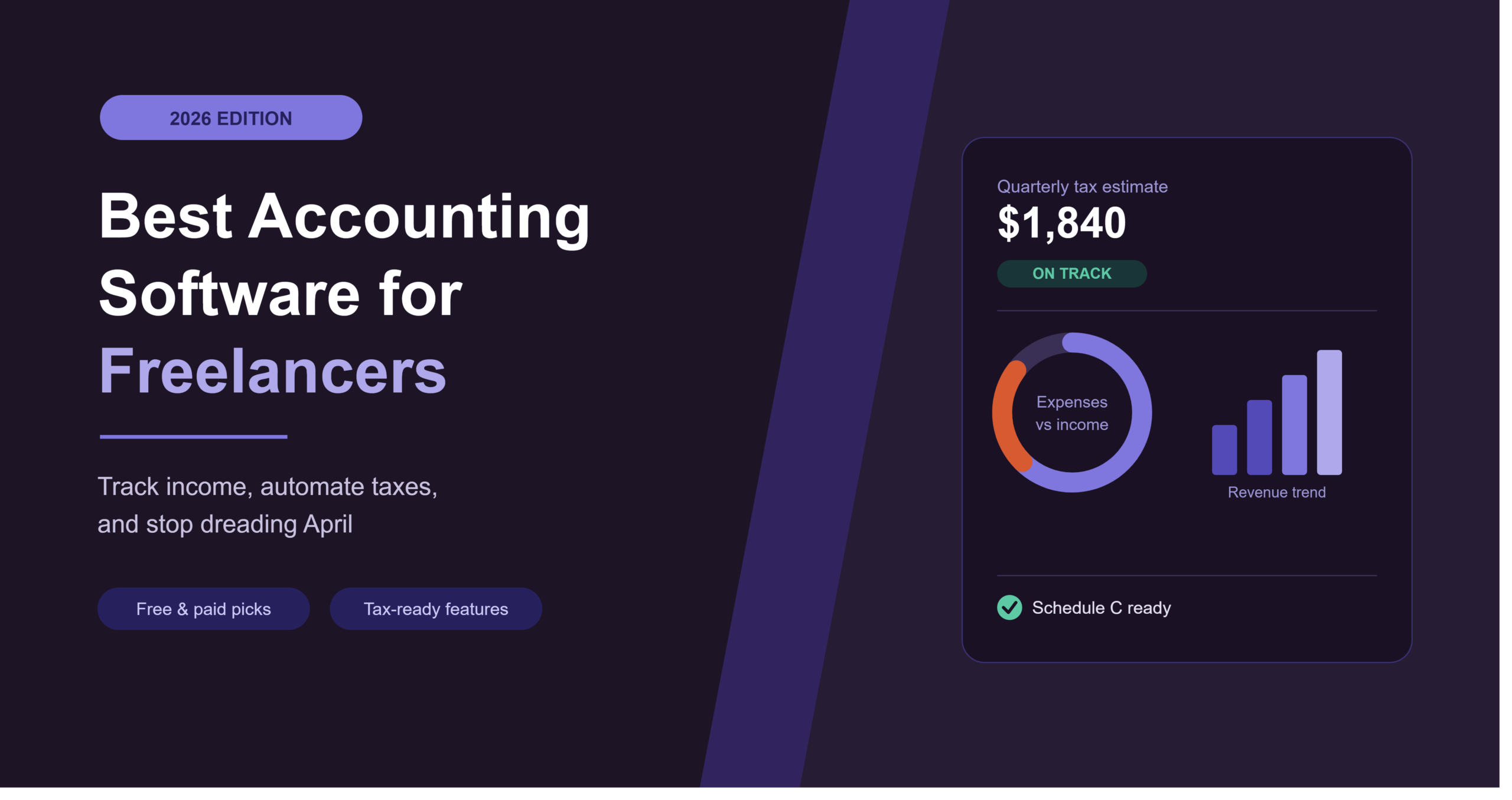
Best Accounting Software for Freelancers in 2026
Finding the best accounting software for freelancers isn’t really about fancy dashboards or impressive feature lists. It’s about one simple thing: knowing exactly where your money stands, without spending your Sunday afternoon untangling a spreadsheet that stopped making sense three months ago.
Here’s the truth most freelancers eventually learn the hard way. You don’t fall behind on your books because you’re bad with money. You fall behind because you’re trying to make a spreadsheet do a software’s job.
Good accounting software does three things well: it tracks what’s coming in and going out, it gives you reports that actually mean something, and it keeps working even as your business gets more complicated. Get those right, and tax season stops being a crisis and starts being… fine, actually.
Let’s get into the best accounting software for freelancers right now, including free options for anyone not ready to spend money yet.
What Actually Matters for Freelancer Accounting
A 200-person company needs different things than you do. Here’s what genuinely counts for a freelancer:
- Schedule C readiness — categorizing expenses the way the IRS expects, not generic business categories
- Quarterly tax estimates — so April 15th isn’t a surprise
- Invoicing built in — separate billing and bookkeeping tools create messy data gaps
- Bank feeds that actually work — test this during any trial, because some connections drop more than advertised
- Price relative to your income — spending $60/month when you’re earning $40K a year just doesn’t pencil out
With that out of the way, here’s how the top tools compare.
Best Accounting Software for Freelancers
| Software | Best for | Free plan | Starting price |
|---|---|---|---|
| Wave | Completely free accounting | Yes | Free (payment fees apply) |
| QuickBooks Solopreneur | Tax prep and deductions | No | $20/month |
| FreshBooks | Invoicing + bookkeeping combo | No | $19/month |
| Zoho Books | Scaling past free tools | Yes (under $50K revenue) | $15/month |
| Xero | Working with an accountant | No | $29/month |
| Hurdlr | Real-time tax estimates | Yes | Free–low cost |
Wave — Best Free Accounting Software
Wave is, as far as I can tell, the last genuinely free bookkeeping software still standing in 2026. The core accounting — invoicing, expense tracking, receipt scanning, basic reporting — costs nothing, full stop. They make their money on payment processing and payroll instead.
You do get proper double-entry accounting here too, not just a glorified expense tracker dressed up to look like bookkeeping. For freelancers earning under $50,000 a year, it’s genuinely hard to beat as a starting point.
The catch: no time tracking, no project-based billing, and the automation depth thins out compared to paid alternatives. Bank connections can occasionally be a bit flaky too.
Good for: freelancers just starting out who need real accounting without committing money yet.
QuickBooks Solopreneur — Best for Tax Prep
If your main worry is taxes specifically, this is built almost entirely around that worry. It handles Schedule C prep, quarterly tax estimates, and automatic bank categorization at $20 a month — no payroll, no inventory, nothing extra cluttering things up.
It’s narrower than something like QuickBooks Online, but that narrowness is sort of the point. It does one job and does it thoroughly.
Good for: freelancers who file their own taxes and want the software doing the heavy lifting on deductions.
FreshBooks — Best for Invoicing + Bookkeeping Together
FreshBooks actually started life as an invoicing tool and grew into full bookkeeping later — and that history shows in the best invoice-creation experience on this entire list. Time tracking flows straight into invoices, which is genuinely satisfying once you’ve used it.
Pricing starts around $19/month for five billable clients, climbing to $60/month if you need unlimited clients. The bookkeeping side is solid, though it doesn’t go quite as deep as QuickBooks on tax category mapping.
Good for: freelancers whose biggest pain point is billing clients smoothly, with bookkeeping as a nice bonus.
Zoho Books — Best for Scaling Past Free Tools
Free under $50,000 in annual revenue, and surprisingly capable once you outgrow Wave but aren’t ready for QuickBooks-level pricing. It automates payment reminders, bank reconciliation, and expense categorization — the boring stuff that eats your Sunday afternoons otherwise.
If you’re already inside the Zoho ecosystem — using Zoho CRM or Mail — this becomes an even easier call. The trade-off is a steeper learning curve than FreshBooks or Wave.
Good for: freelancers outgrowing free tools who don’t want QuickBooks’ price tag yet.
Xero — Best for Working With an Accountant
Bank reconciliation here is genuinely the smoothest of anything on this list, which matters a lot if you hand your books off to an accountant regularly. Over 1,000 app integrations too, so it plays nicely with whatever else you’re running.
Starting at $29/month with a real learning curve attached, it’s not the cheapest entry point. And honestly, its tax features lean weaker for US freelancers specifically compared to how it performs in places like Australia or the UK — no Schedule C mapping built in.
Good for: freelancers who already work with an accountant or are scaling toward a small team.
Hurdlr — Best for Real-Time Tax Estimates
Hurdlr zeroes in tightly on one thing: the self-employed tax workflow. Automatic expense categorization, mileage tracking, and tax estimates that update live as your income and expenses shift throughout the year.
It’s not trying to be everything. It’s trying to answer “what do I actually owe right now” — and it does that well, often for free or close to it.
Good for: rideshare drivers, delivery contractors, and solo consultants who drive for work and want mileage logs that just handle themselves.
Free vs. Paid — Where’s the Real Line?
Here’s something that trips a lot of freelancers up: stacking three or four free tools to cover what one paid subscription would handle often costs more time than money saved. Wave covers invoicing fine. Hurdlr covers mileage. Neither talks to the other.
Paid plans start earning their keep once:
- You’re managing more clients than a free tier’s invoice limit allows
- You need quarterly tax estimates calculated automatically, not guessed at
- You’re hiring subcontractors and need 1099-NEC generation
- Manual reconciliation is eating hours you could be billing instead
Start free if your business is still simple. Upgrade once the complexity catches up with you, not before.
How to Pick the Right One
A few honest questions worth sitting with:
Do you file your own taxes, or work with an accountant? Self-filers lean toward QuickBooks Solopreneur or Hurdlr. Working with an accountant points more toward Xero, given how smoothly it reconciles.
Is invoicing or bookkeeping your bigger pain point? If it’s invoicing, FreshBooks. If it’s actually understanding your numbers, lean QuickBooks or Zoho Books instead.
What’s your annual revenue right now? Under $50K, Wave or Zoho Books’ free tier likely covers you completely. Above that, the paid tools start making more financial sense.
Frequently Asked Questions
What’s the best free accounting software for freelancers?
Wave is genuinely free with no feature gates hiding behind a paywall — unlimited invoicing, expense tracking, and full reporting at no monthly cost. Zoho Books is also free under $50,000 in annual revenue.
Do I need accounting software if I already use invoicing software?
Often yes, unless your invoicing tool includes proper bookkeeping. Accounting software handles the bigger financial picture — categorized expenses, tax-ready reports, quarterly estimates — that basic invoicing tools usually skip.
How much should I expect to pay for accounting software as a freelancer?
Anywhere from free, like Wave, up to $60/month for fuller platforms like FreshBooks Premium or Xero, depending on client volume and how much tax automation you actually need.
Can accounting software calculate my quarterly taxes for me?
Some can. QuickBooks Solopreneur and Hurdlr both surface estimated quarterly tax numbers automatically. Wave tracks your profit but doesn’t calculate what you owe — you’d need a separate calculator for that.
Is it worth switching tools once I’ve already set one up?
Sometimes, but migrations can be messier than expected — imports get jumbled, categories map incorrectly. It’s usually worth switching only once your current tool is genuinely limiting you, not just slightly annoying.
Finding What Fits Your Business
There’s no single right answer here — it depends on your revenue, whether you handle your own taxes, and how much invoicing polish actually matters to your day-to-day. Start with something free like Wave if you’re just getting going, and move toward a paid platform once your business outgrows it.
The right accounting setup won’t just keep your books tidy. It’ll mean tax season stops feeling like a small emergency every single year.
Want to round out the rest of your setup? Check our guides on the best invoicing software for freelancers and best project management software for freelancers.
