How to Invoice as a Freelancer: A Complete Step-by-Step Guide
Learning how to invoice as a freelancer properly is one of those skills nobody actually teaches you. And yet it quietly decides everything — how fast you get paid, how professional you look, whether clients take you seriously. Get it right, and money shows up in days. Get it wrong, and you’re writing awkward “just checking in” emails three weeks later.
A number worth sitting with: roughly 85% of freelancers have had an invoice paid late. The average freelancer is sitting on around $7,150 in unpaid invoices right now, at this exact moment. Not because clients are difficult, mostly. Because the invoicing itself is missing basics.
Here’s what actually belongs on a freelance invoice, when to send it, which terms protect you, and the small mistakes that quietly delay payment by weeks without you noticing.
What Every Freelance Invoice Needs
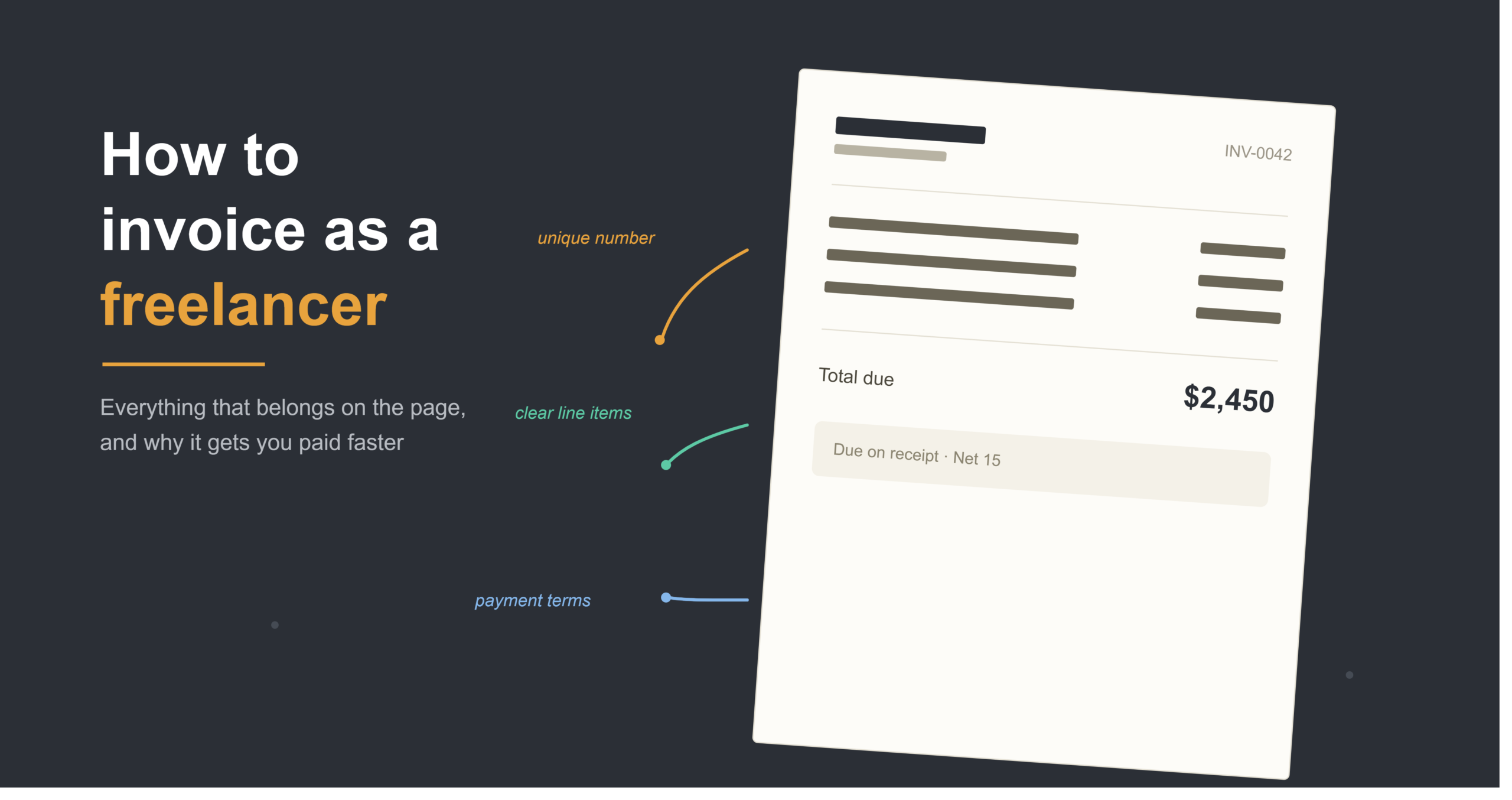
Eight things, really. Miss any of them and you’re inviting a clarifying email that pushes payment back days — sometimes longer than you’d think.
- Your business details — name, email, address, phone number, at minimum
- Client’s information, matched exactly to what’s in your contract
- A unique invoice number, sequential, never repeated
- Invoice date and a specific due date (skip “due on receipt” if you can help it)
- Itemized line items — what you did, how long it took, what it cost
- Total amount due, bold, no math required from the client’s side
- Payment instructions — bank details, Stripe link, PayPal, whatever you actually use
- Tax info where it applies — subtotal, rate, amount
That payment instructions point sounds obvious. It isn’t. Plenty of freelancers send invoices that never say how to actually pay them. The client has to email and ask. That round trip alone adds days you didn’t need to lose.
Invoice Numbering — Don’t Skip This Part
Sequential numbering works for most people. INV-001, then 002, then 003. Some freelancers tack on a year prefix, like 2026-001, which honestly makes tax season a lot less painful since invoices group by fiscal year automatically. Others add a client code so things stay organized without digging through folders.
Format matters less than just… picking one and sticking with it. You and the client both need a number you can reference later, in payment confirmations, in follow-ups, at tax time when you’re trying to remember what happened in March.
When You Actually Send It Matters
Timing’s bigger than most freelancers think. Invoices sent within 24 hours of finishing work get paid about 1.7 times faster than ones sent a week or more later. That’s not a small gap.
Why does it happen? Memory, mostly. The work’s still fresh, the value’s obvious, your client’s brain is still in “wrap this up” mode. Wait two weeks and now you’re competing with ten other things on their plate.
For anything past 30 days, split it into milestones instead of one giant invoice at the end. Here’s roughly how a 90-day, $20,000 project might break down:
| Milestone | Timing | Payment |
|---|---|---|
| Kickoff | Day 0 | 30% ($6,000) |
| Phase 1 delivered | Day 30 | 35% ($7,000) |
| Phase 2 delivered | Day 60 | 25% ($5,000) |
| Final delivery | Day 90 | 10% ($2,000) |
This protects your cash flow, and gives the client natural checkpoints to sign off before the next chunk comes due. Hard to dispute Milestone 1 once they’ve already approved the kickoff doc themselves.
Picking Payment Terms That Actually Work
A quick rundown of what’s out there:
Due on receipt fits small projects, or brand-new clients you don’t have a track record with yet. Net 15 tends to be the sweet spot for most solo freelancers. Net 30 is the corporate default, though it stretches your cash flow out longer than you’d like. A 50/50 milestone split works well for anything over $2,000.
Here’s the counterintuitive bit, though. Shortening your terms alone doesn’t fix late payments if the invoice itself is missing information. A complete invoice on Net 15 with a payment link built right in will consistently beat a Net 30 invoice that just gets sent and forgotten about.
Why Invoices Actually Get Paid Late
Mostly, it’s not the client being difficult. It’s information gaps. “Consulting work: $2,400” tells nobody anything useful — not the client, not their bookkeeper, not future-you trying to remember this at tax time.
Compare that to: “Brand strategy session, 3 hours at $150/hour: $450. Logo design, 2 concepts with revisions: $1,200.” One of those invites a question. The other one just… answers it before it’s asked.
Every question that bounces back to you can tack on 3-7 business days, because it has to travel from accounts payable, back to your contact, back to you, before the invoice re-enters whatever queue it was sitting in.
A few mistakes worth catching before they become a pattern:
- Skipping invoice numbers entirely (looks unpolished, complicates tax time)
- Forgetting payment instructions (guarantees a delay-causing email)
- Invoicing too rarely for ongoing work
- Vague line items that raise more questions than they answer
Following Up Without Burning the Bridge
Nobody enjoys chasing an overdue invoice. That discomfort is exactly why a lot of freelancers wait way too long before saying anything. A simple structure helps — a gentle nudge at day 1 past due, something firmer at day 7, and by day 14, direct and clear.
Something this plain usually does the job: “Hi [Name], just a quick note — Invoice INV-0042 was due yesterday and I haven’t seen it come through yet.” No drama. Just a fact, stated.
Templates or Software?
Three real options here. DIY templates in Google Docs or Excel — free, but you’re tracking numbers and chasing payments manually. Invoicing software, which automates numbering and reminders and tracks who’s paid. Full accounting platforms, which are powerful but often overkill if you’re working solo.
Two or three invoices a month? Templates are fine, honestly. Several clients with different payment schedules? Software starts paying for itself pretty quickly, just in hours saved.
Frequently Asked Questions
What’s the single most important thing on a freelance invoice?
Payment instructions, oddly enough. A gorgeous invoice that never says how to pay still ends up delayed, because the client has to stop and ask.
Net 15 or Net 30 — which should I use?
Net 15 generally gets you paid faster, especially with smaller clients. Net 30 is more the corporate norm, but it does stretch out how long you’re waiting.
How fast should I send the invoice after finishing work?
Within 24 hours if you can manage it. The gap between sending fast and sending late shows up clearly in how quickly you actually get paid.
Do I need to charge sales tax on freelance invoices?
Depends entirely on location and service type. Most US freelancers skip sales tax on services, though some states require it for digital products. Worth checking with a tax professional for your exact situation.
A client hasn’t paid — now what?
Follow up at day 1, day 7, and day 14 past due, keeping it polite but factual each time. Automated reminders through invoicing software take the emotional weight out of writing these yourself.
Getting Paid Shouldn’t Feel Like a Second Job
None of this is complicated once you know what belongs on the page and why it matters. A slightly imperfect invoice sent the same day beats a beautifully designed one sent three weeks late. Every single time.
Start with the basics here, then tighten things up as you go. If manual invoicing ever starts eating more time than the actual work, it’s worth a look at our guide on the best invoicing software for freelancers — might be time to let something else handle it.